


Installing Grammarly

Last updated: Aug 06, 2024
1955
views

Summary: Grammarly is available for users to install without any administrator credentials by going to the Company Portal.
1. Open the Start Menu and search for Company Portal 
If you cannot find Company Portal in your Start Menu it is likely that your device has not been moved to the new Mobile Device Management system. Reach out to TSD to get that done.
2. Go to Home  then under Featured apps click on Grammarly
3. Click on Install for Grammarly
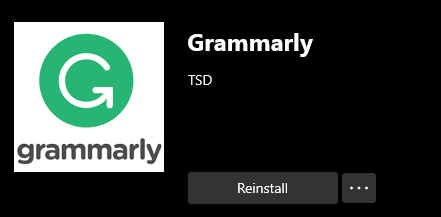
Once the program is installed you may use your League email to register with Grammarly.

